Creating a wallet
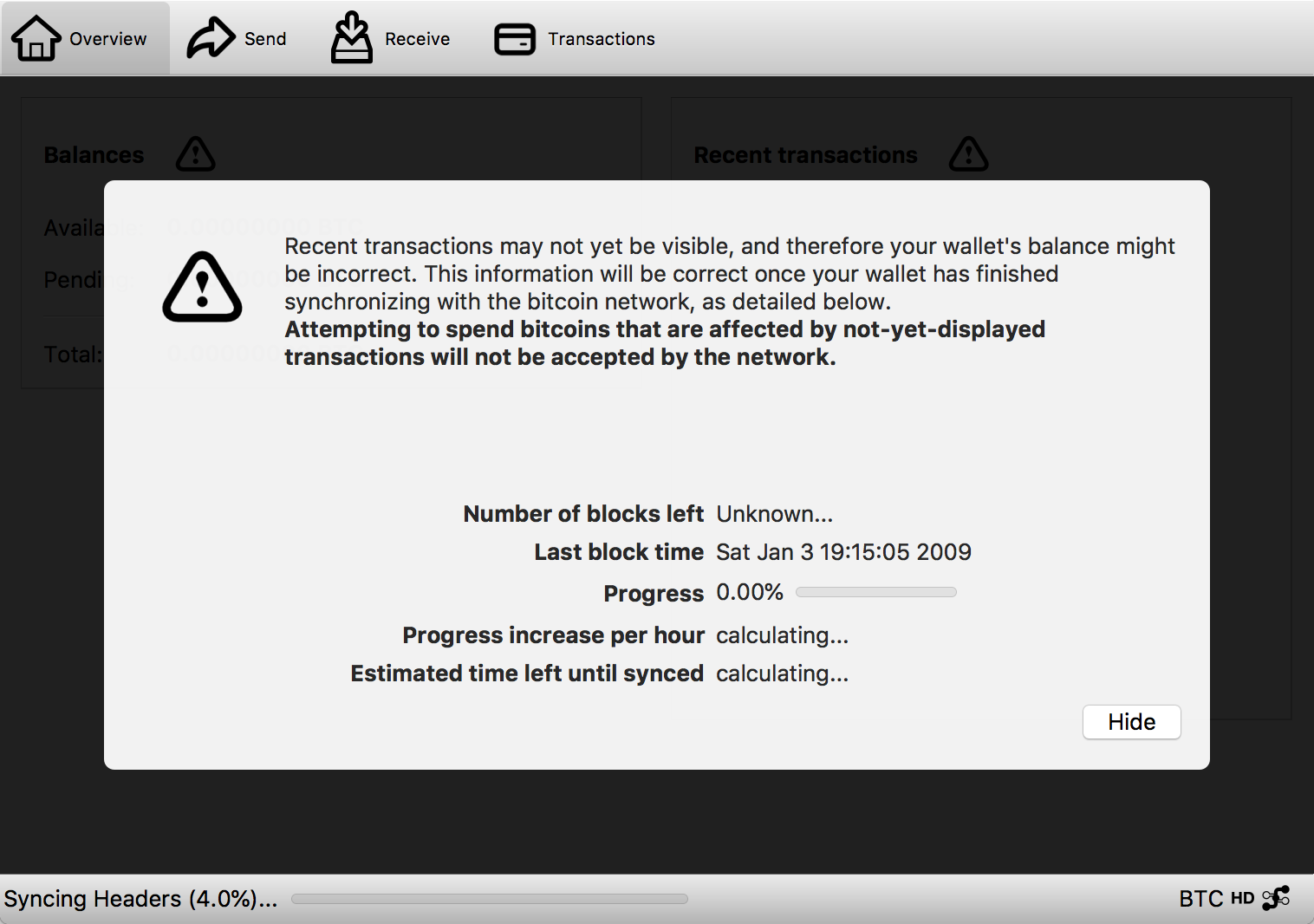
One of the first things any cryptocurrency user needs to do is to set up a wallet. Many times, wallet software will automatically create a new wallet during the first launch without even letting the user know. Before jumping in, let's talk about what a wallet is, since some of the terms are used loosely and may actually describe different things.
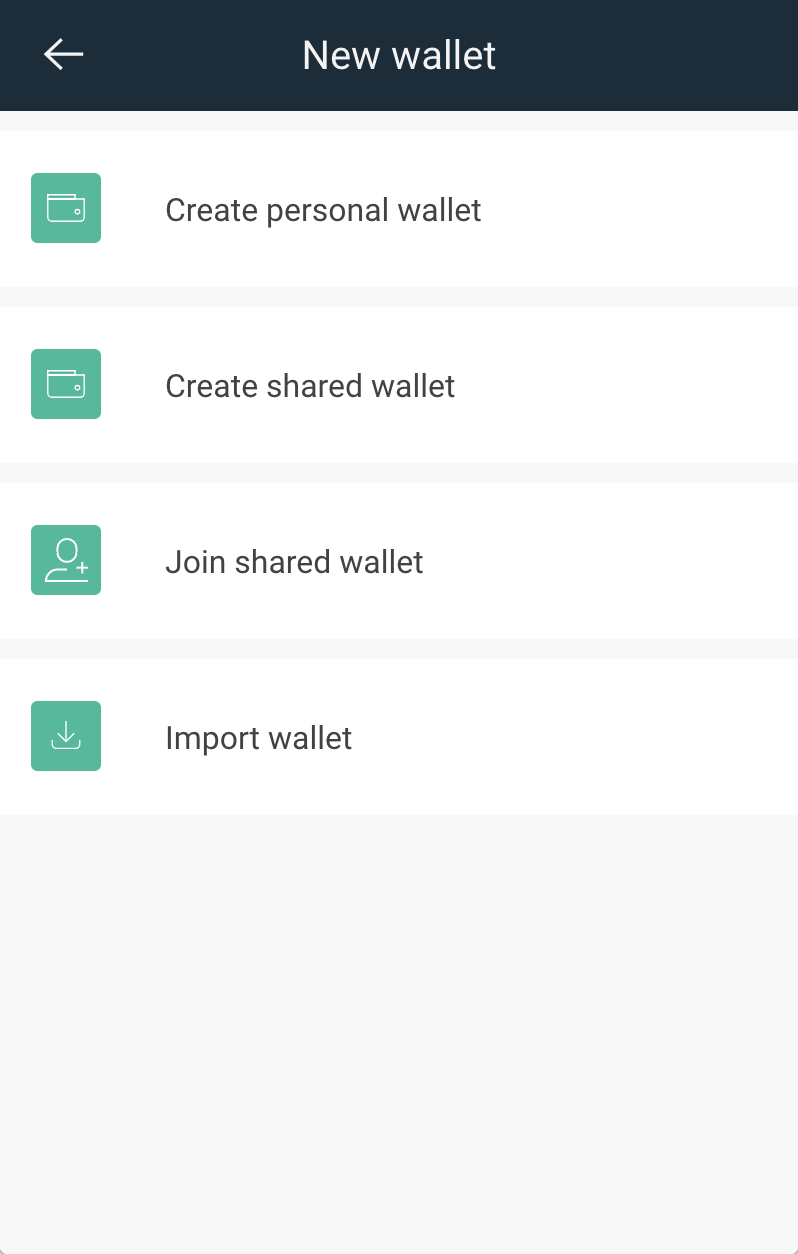
Shared or personal?
Copay wallet
There are many uses for wallets with multiple owners, where each owner has their own key. This is typically called a multi-sig (or multi-signature) wallet because transactions require consent (via crypographic signature) from more than one owner. Shared wallets can be useful to improve security in business contexts, so a lost or compromised key does not result in a catastrophic loss. But they can also be useful in everyday life. For example, when a child has a wallet for allowance, but requires a parent or guardian to approve transactions.
The setup process for shared wallets is more complex, because all owners need to participate in the wallet creation and exchange information with each other. More on this will be added soon in a dedicated page in this handbook.
Seed phrase
Lightning wallet
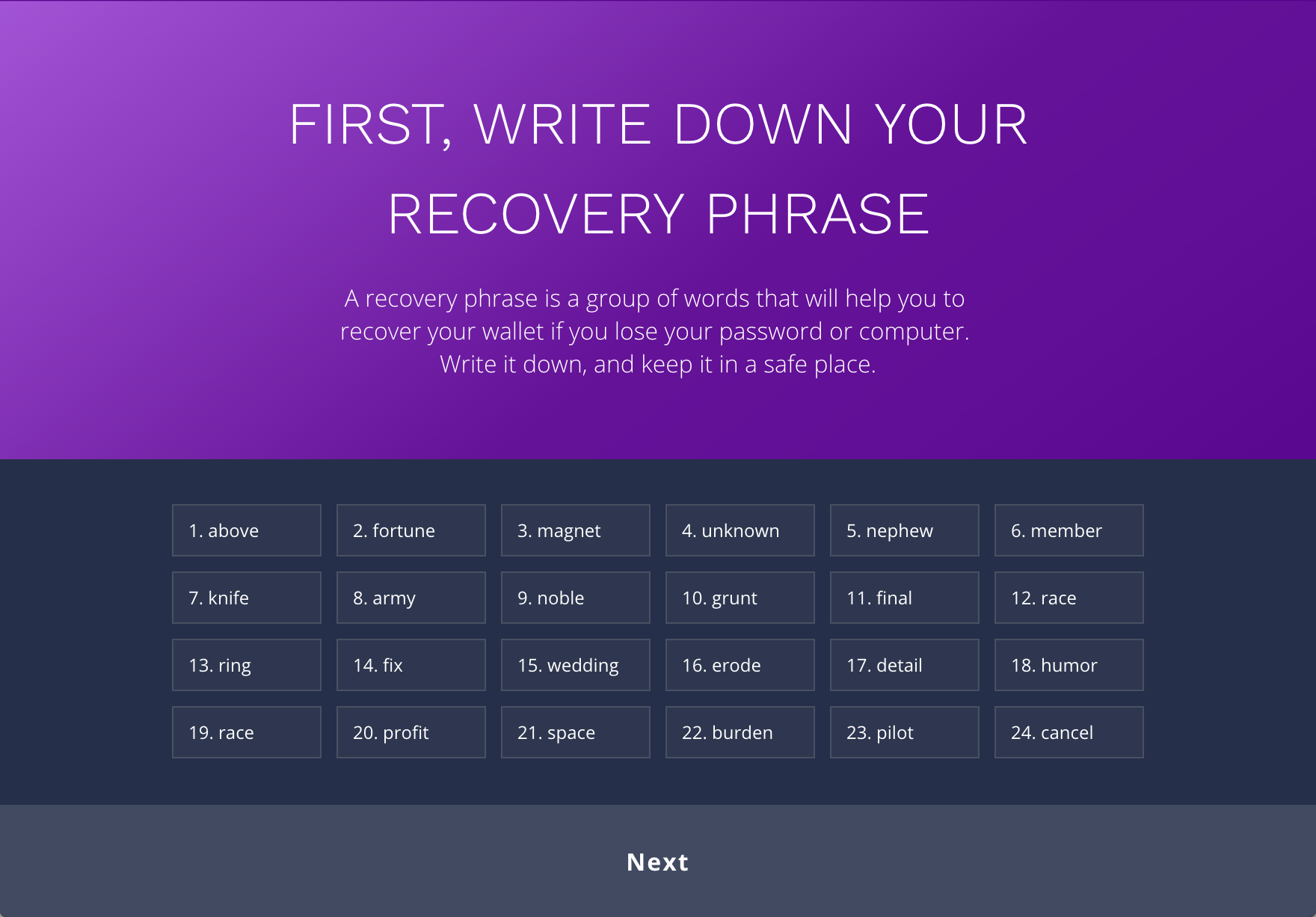
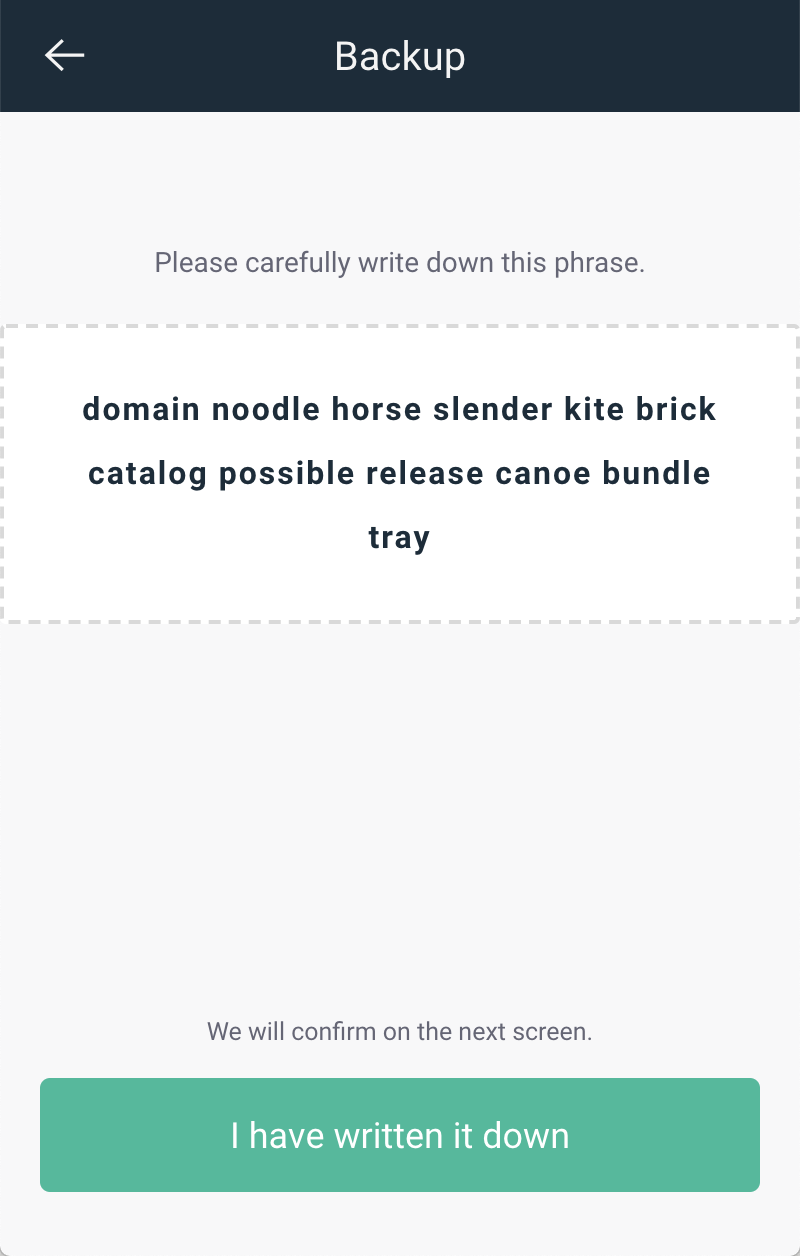
The majority of wallets are deterministic. That means that all addresses used for sending and receiving are generated from a seed phrase. That seed phrase is a list of 12 or more words. Because that seed phrase is so important, it should receive a lot of attention during the wallet creation and users should receive clear instructions on what it is and how to protect it.
Seed phrases may also be called recovery phrases, mnemonic seeds, paper keys and other terms. While it's tempting to use the technical term, a more easily understandable term like "recovery phrase" that users already know from other software can be the smarter choice.
Another element to consider is that multiple wallets for different cryptocurrencies can be generated from the same seed phrase. For example, a user can have Savings and Business Bitcoin wallets, as well as a Monero wallet, that were generated from the same seed phrase. This is more convenient, but also less secure.
Examples
Ethos
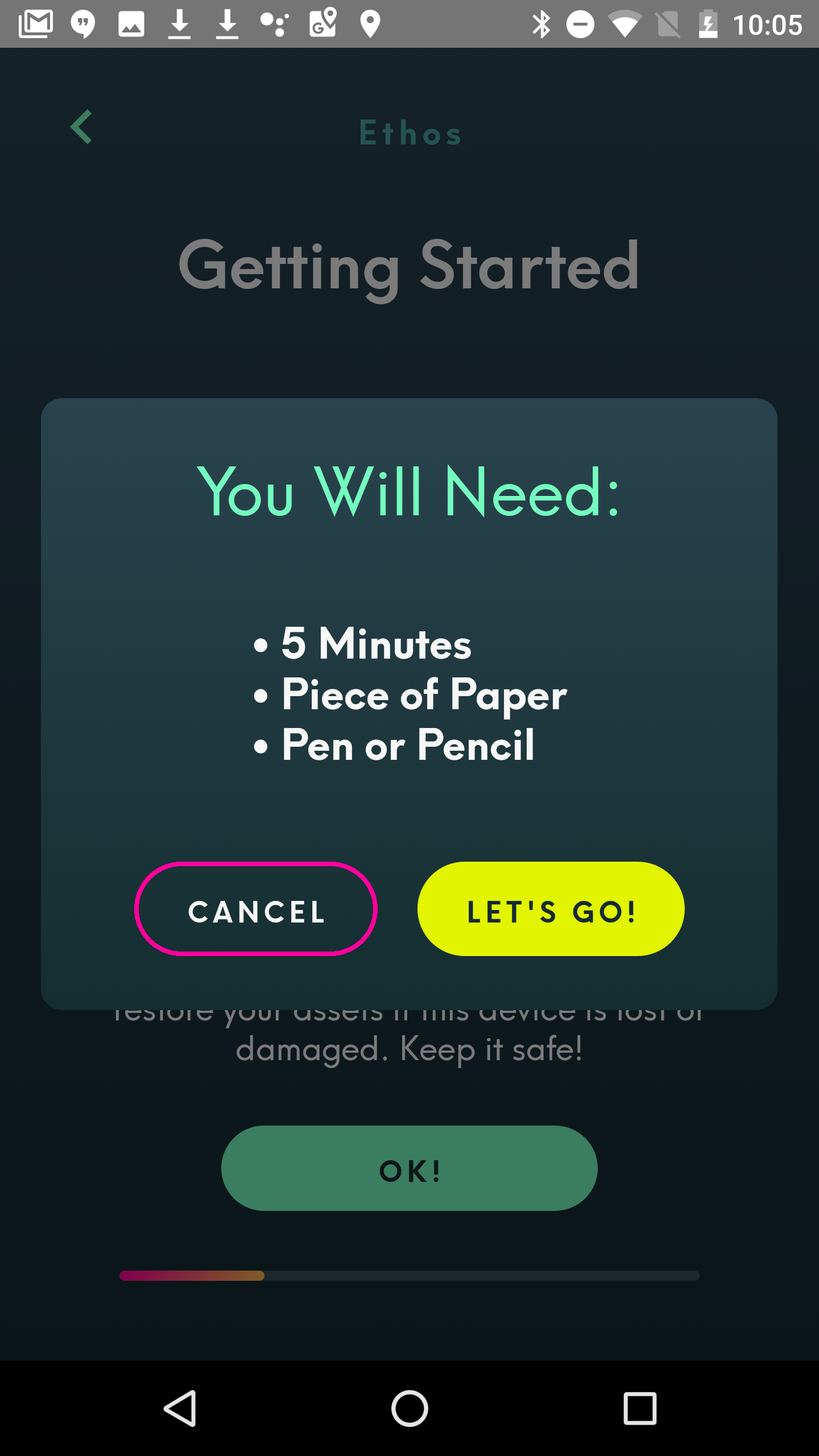
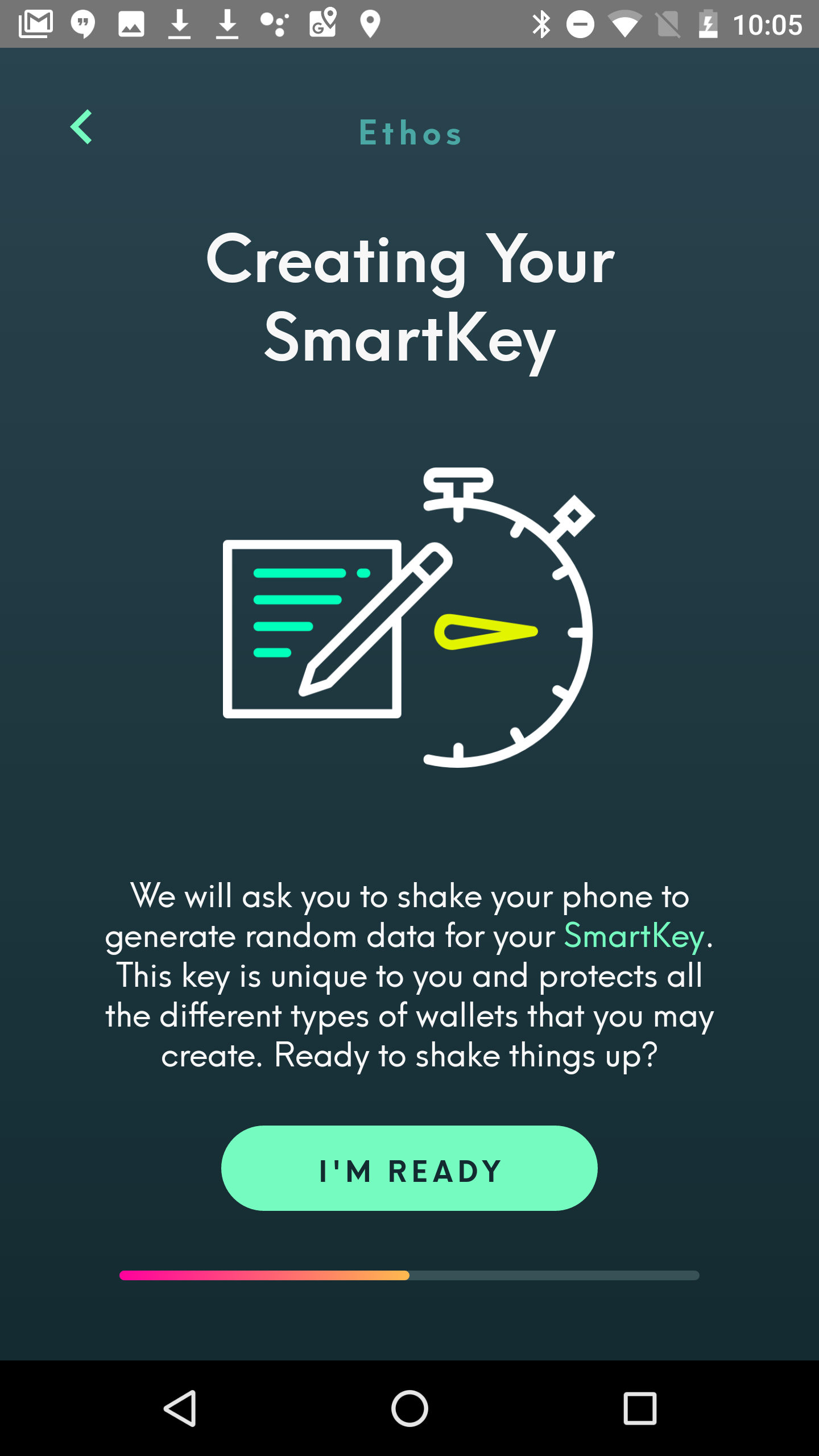
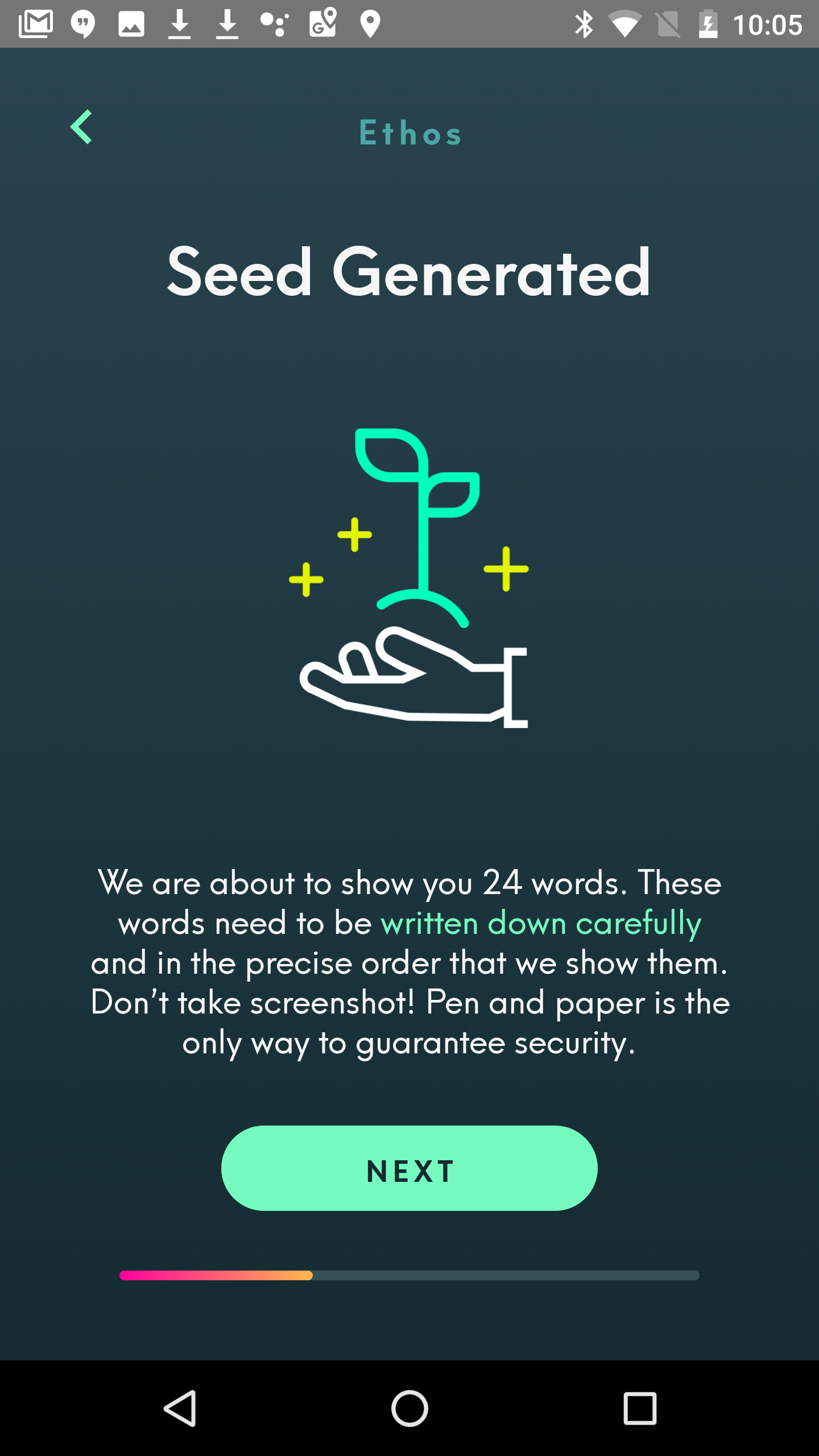
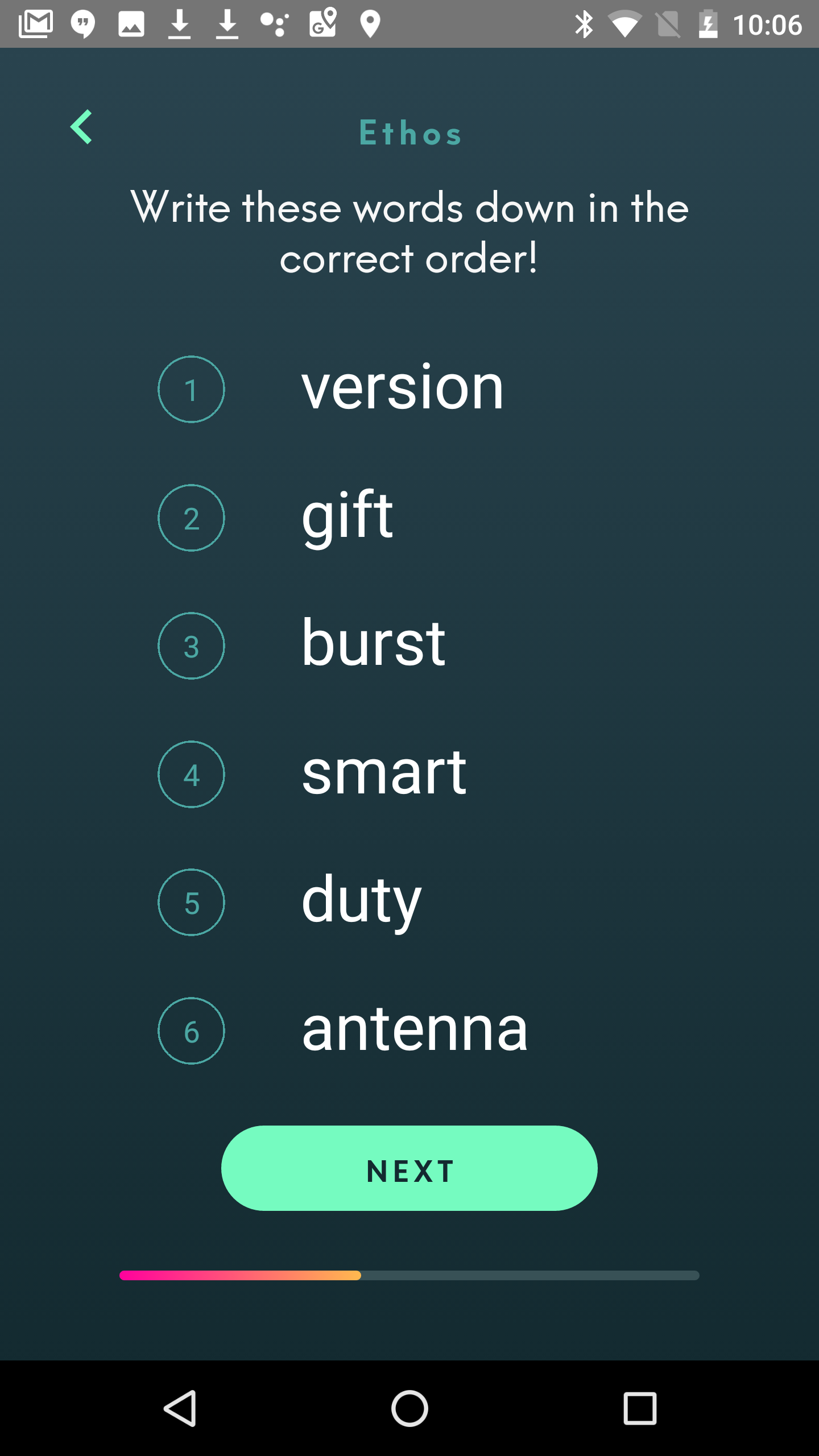
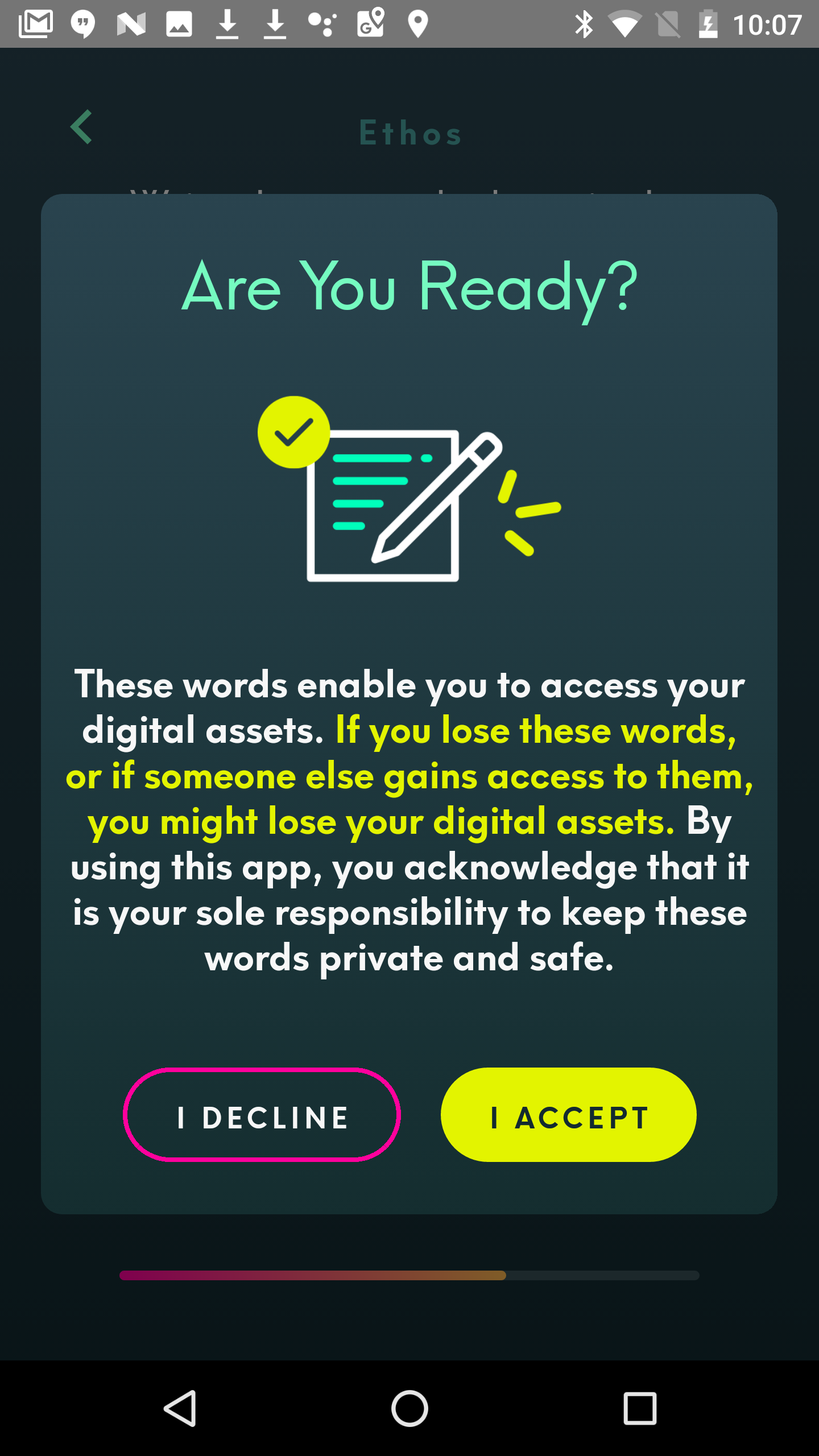
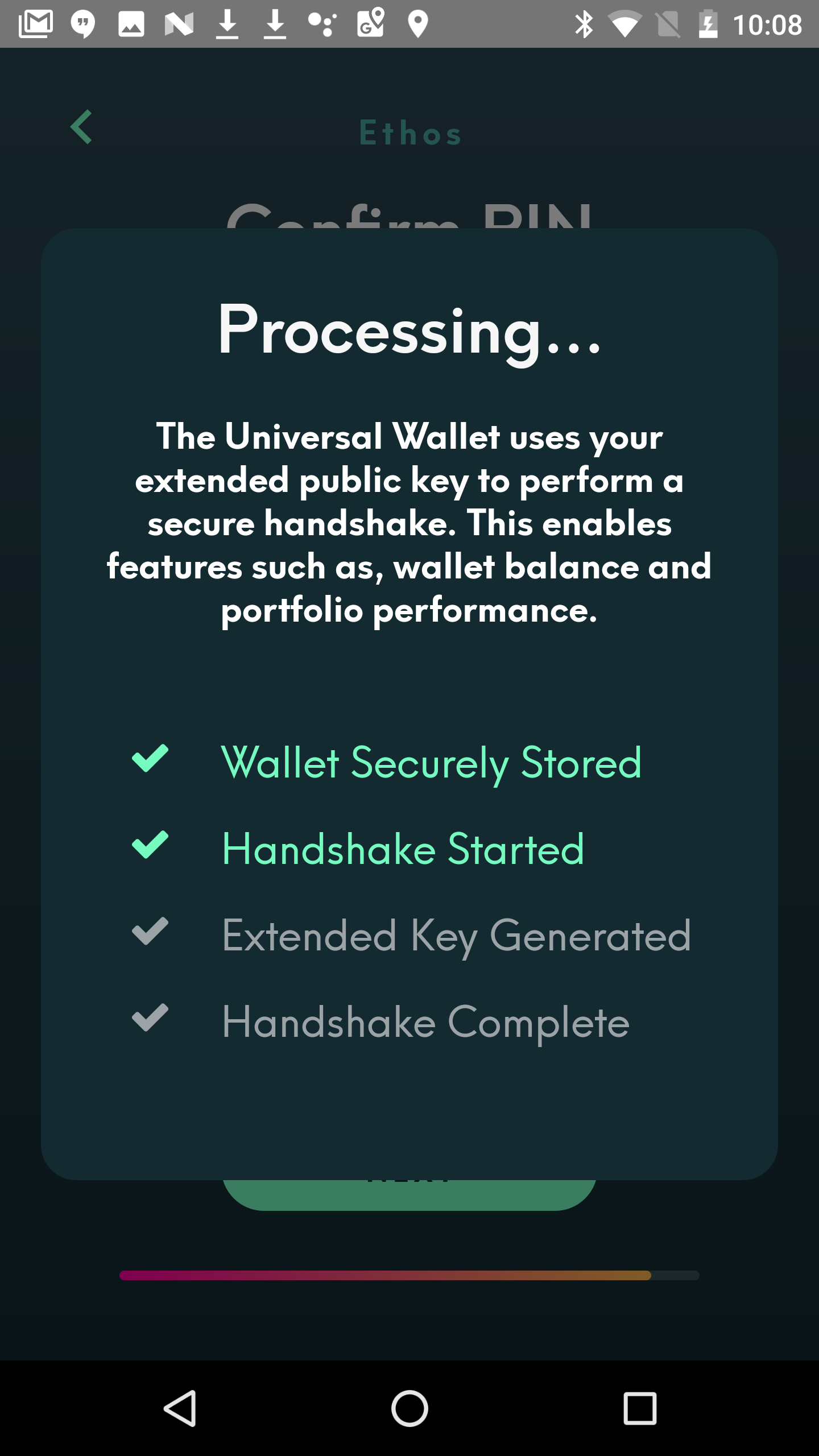
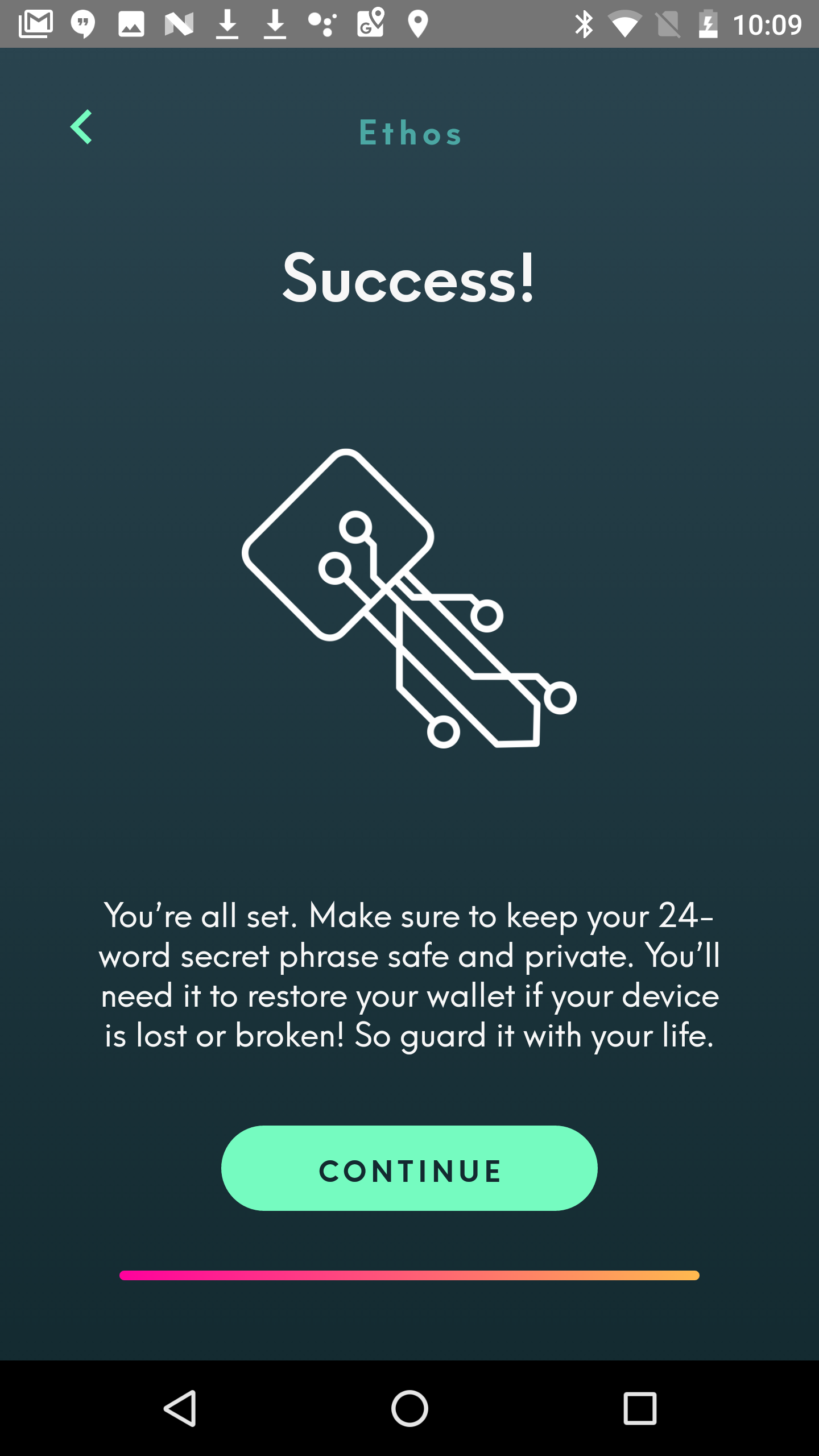
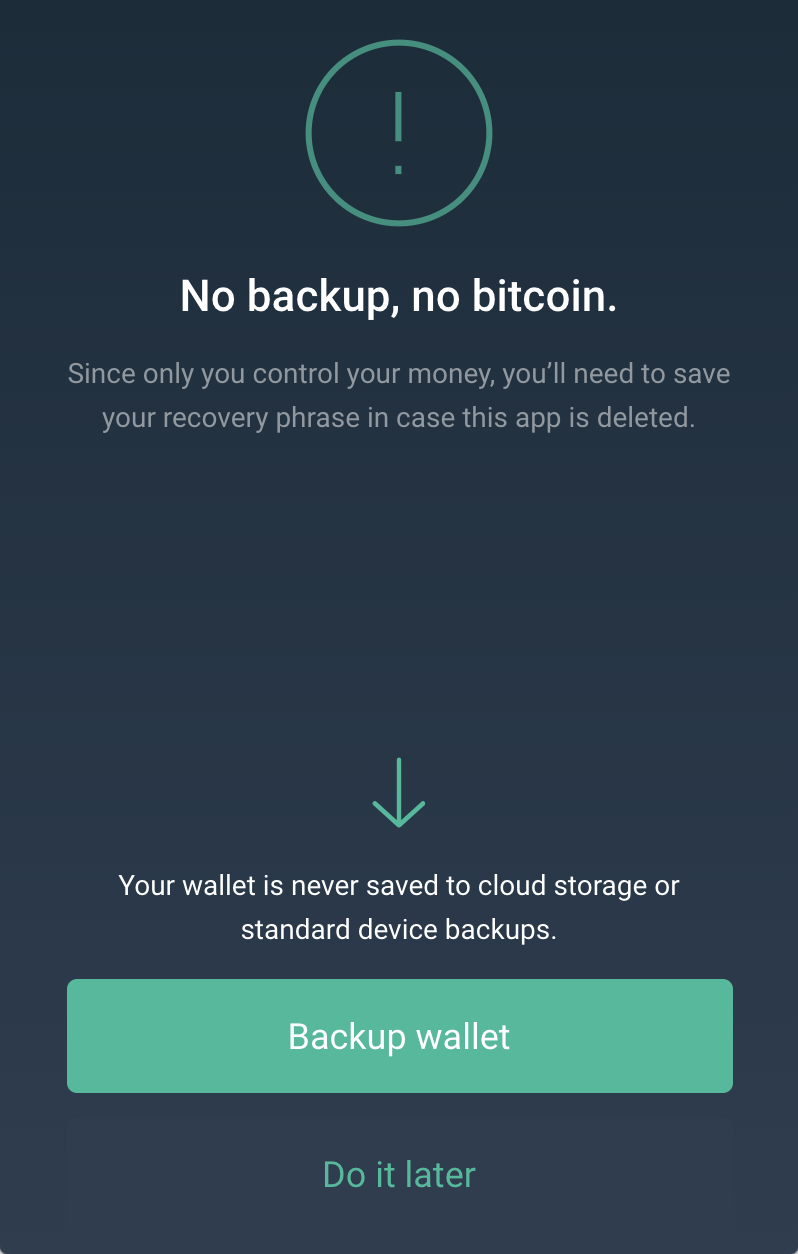
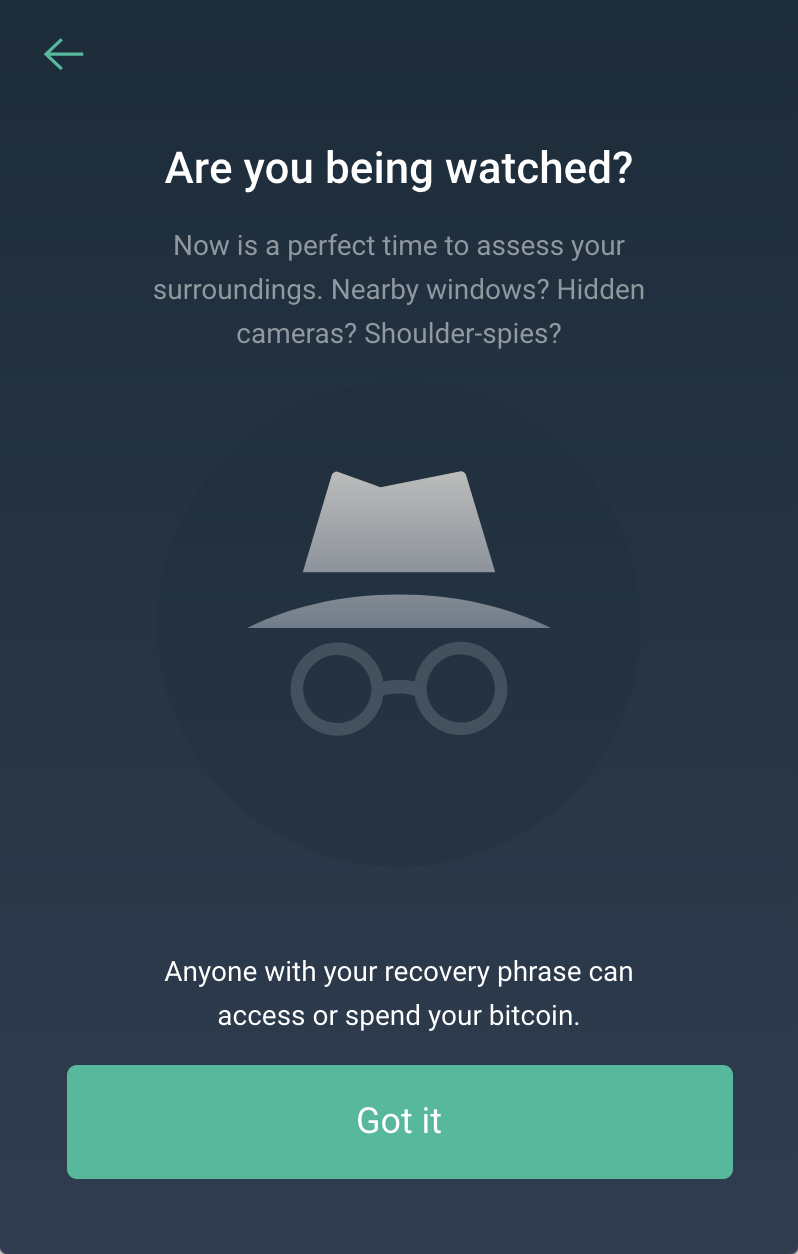
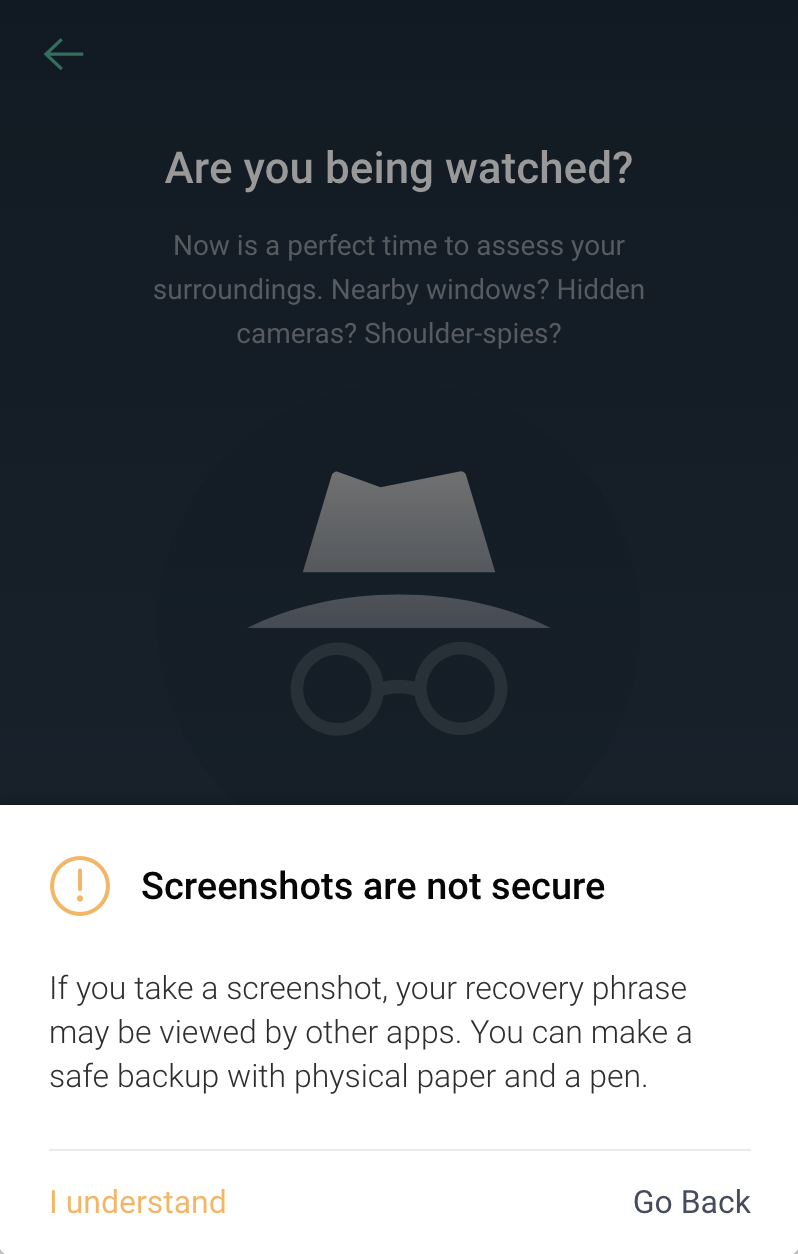
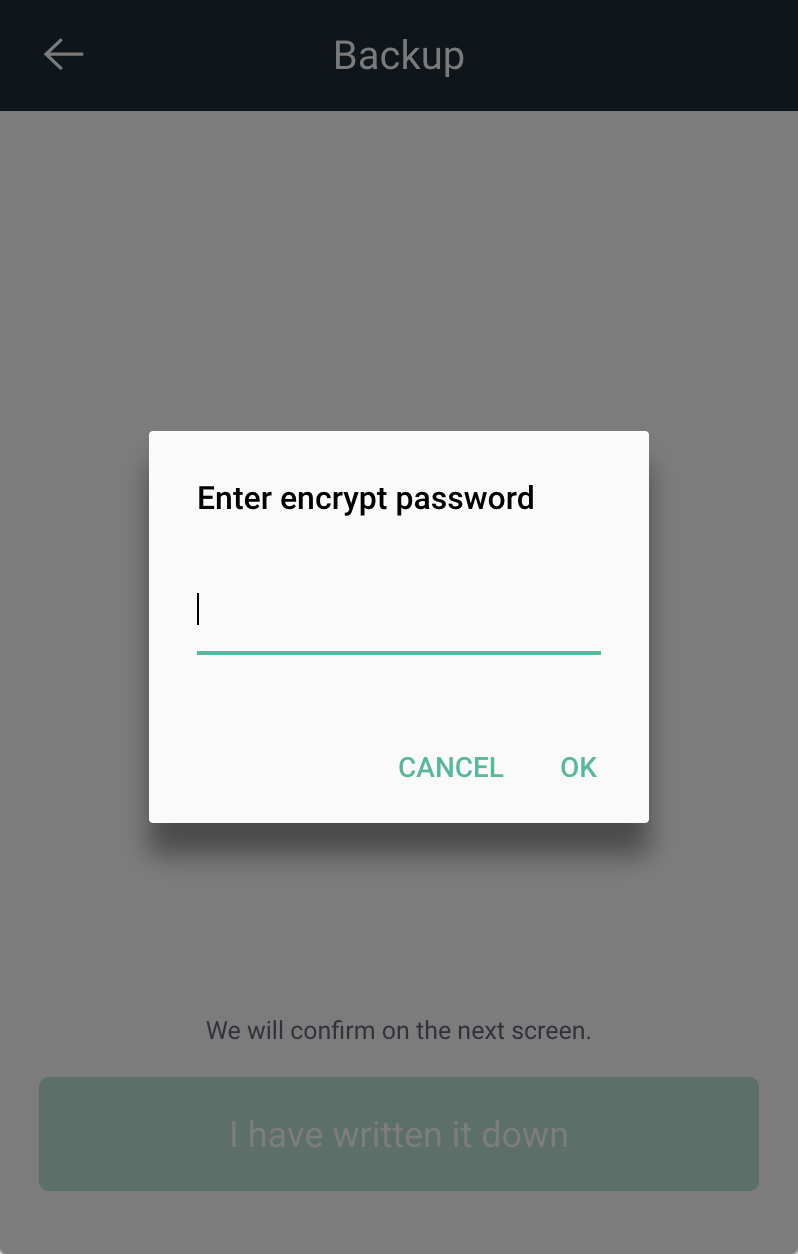
Ethos calls itself a universal wallet. It's goal is to allow users to manage all their digital assets in a central interface. Many wallets focus on a single cryptocurrency or on tracking a portfolio of multiple assets, so Ethos is quite ambitious. Their first-time user experience is well thought out and spans at least a dozen screens. While there is usually a tendency to reduce the number of screens and amount of copy users see when getting started, Ethos goes the opposite route, as you can see in the screenshots (from August 2018) below. This is a sharp contrast to the majority of desktop wallets that don't show any of these screens but simply create a new seed in the background during first launch without informing the user at all.

Copay
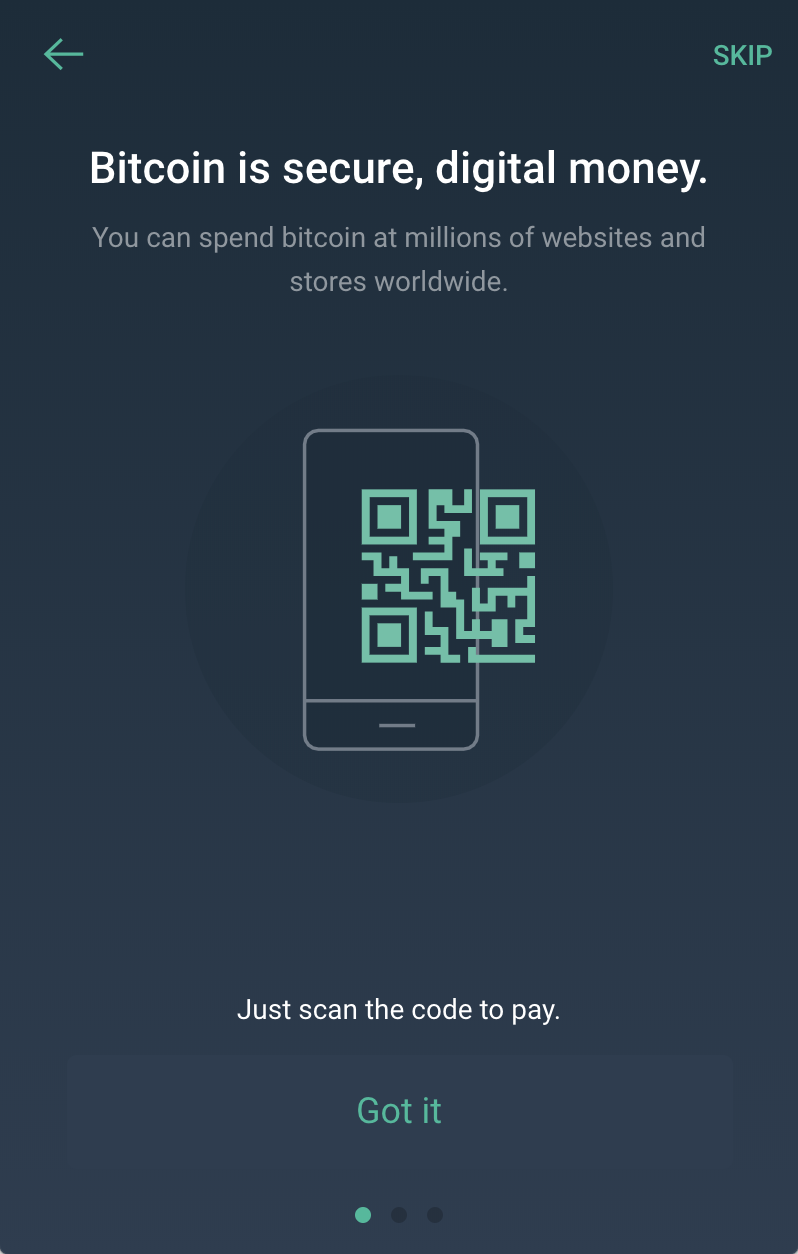
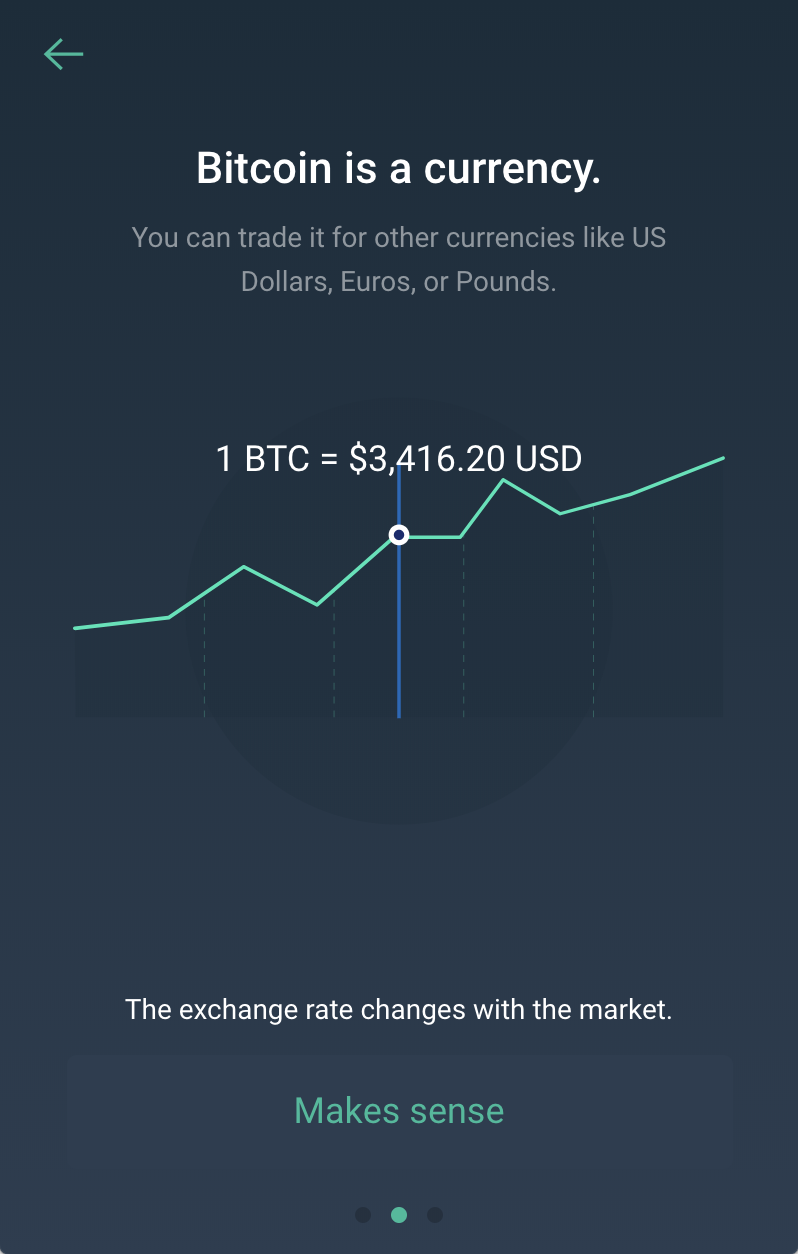
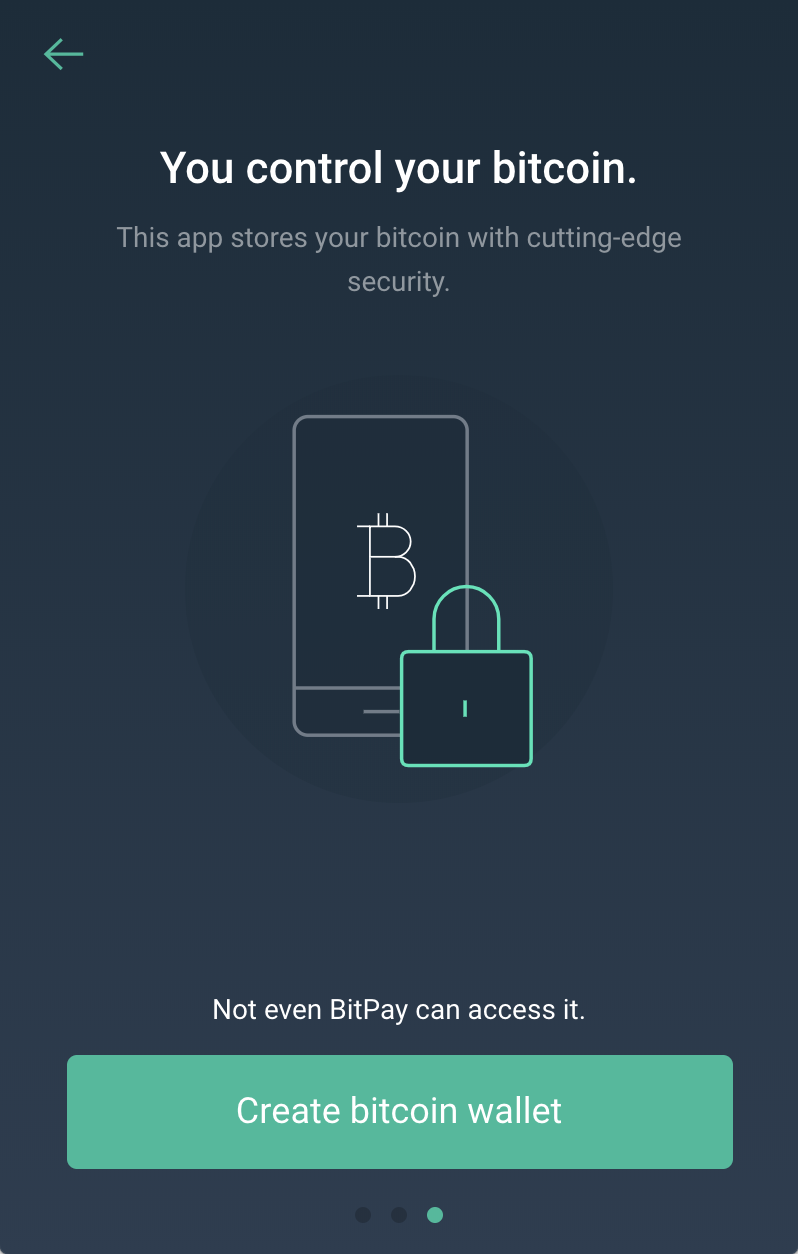
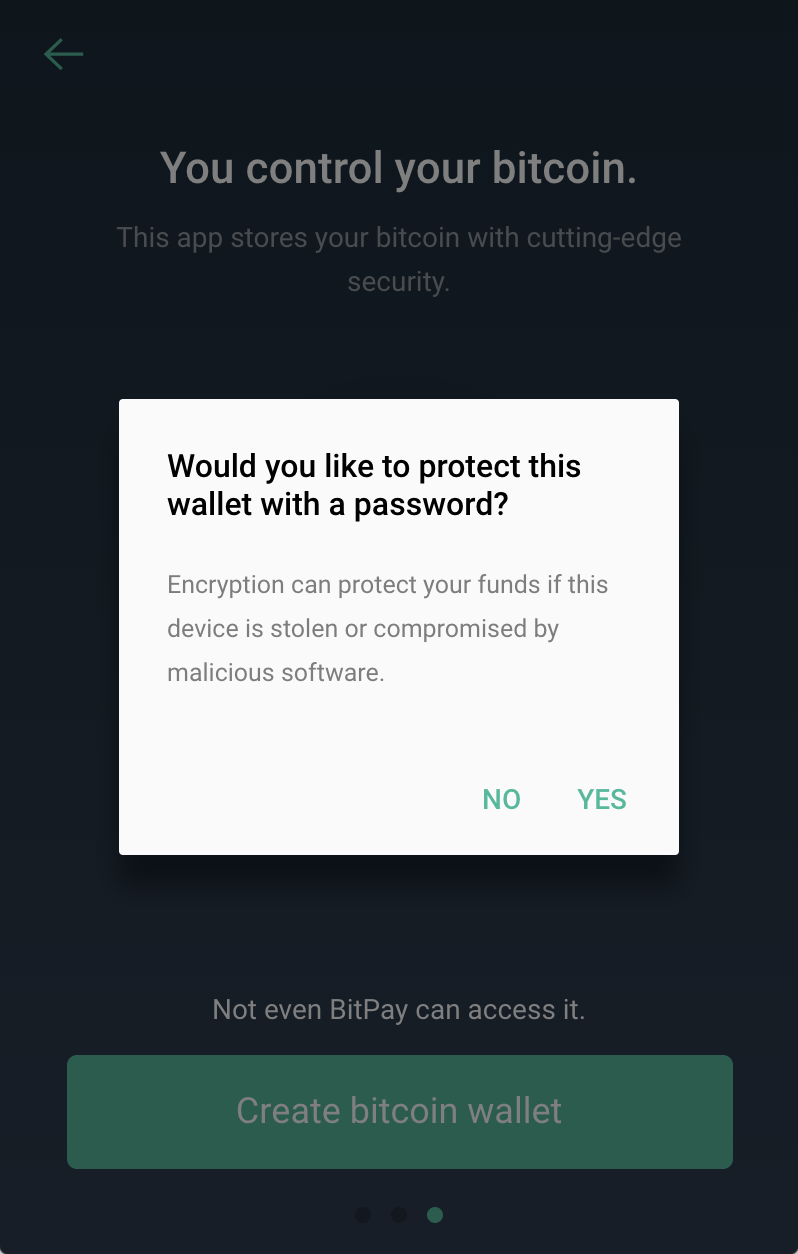
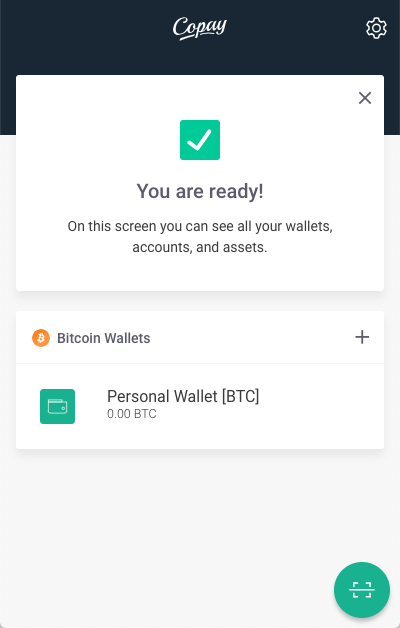
Copay is an open-source Bitcoin and Bitcoin Cash wallet created and maintained by bitpay. It includes quite a few features and also provides a hosted service for communication between wallet users (for things like creating and transacting via shared wallets).
Ark
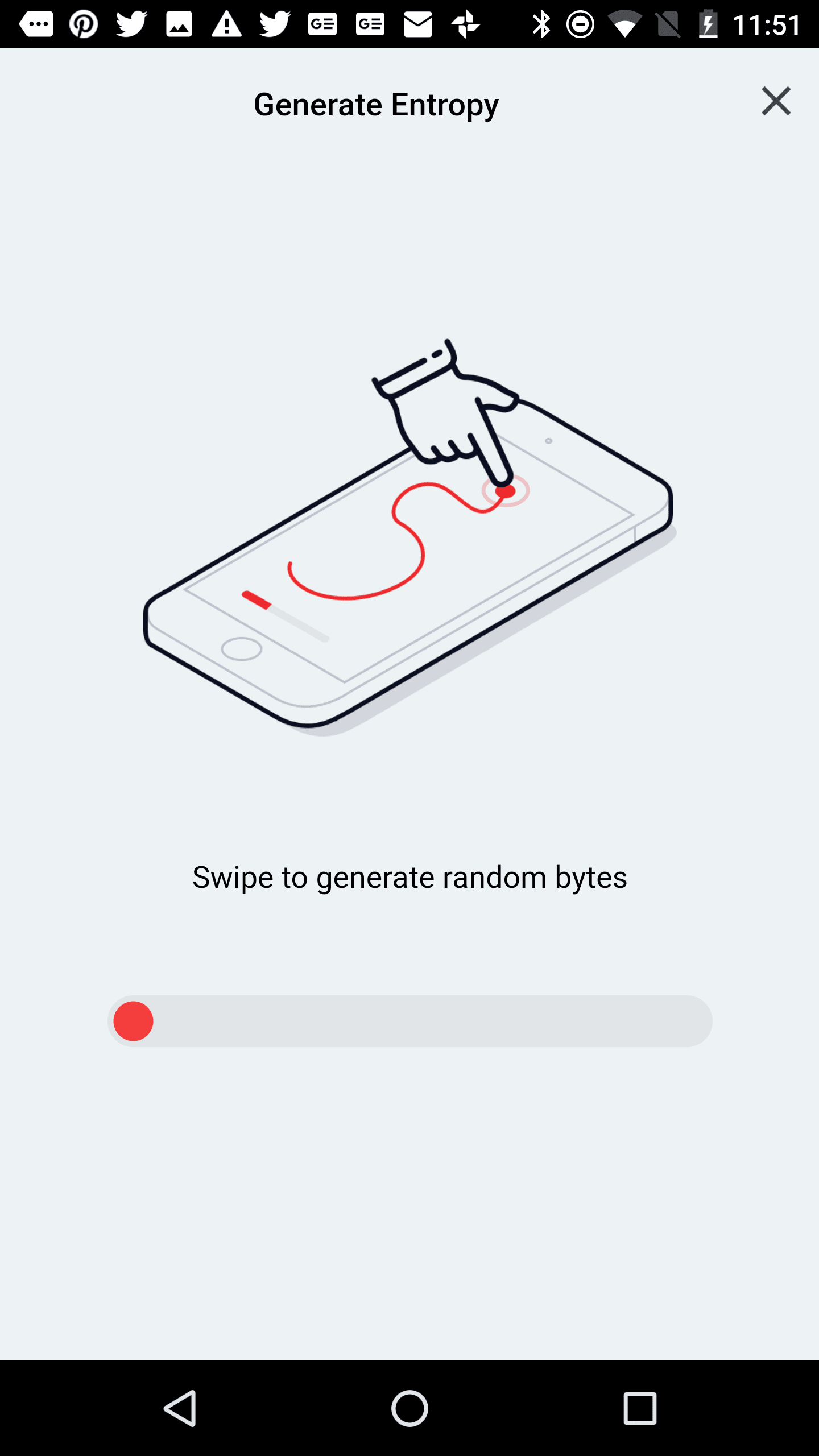
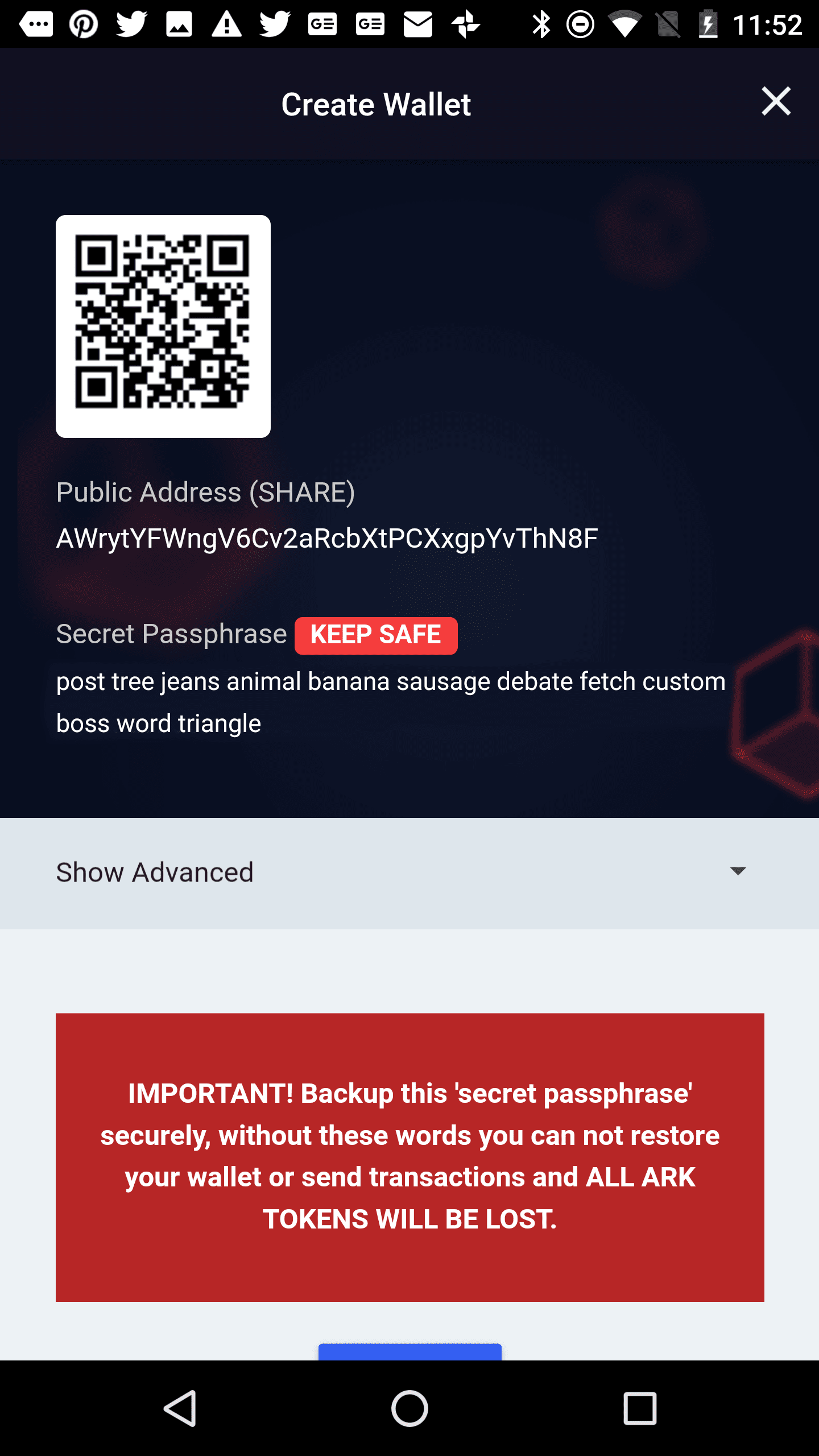
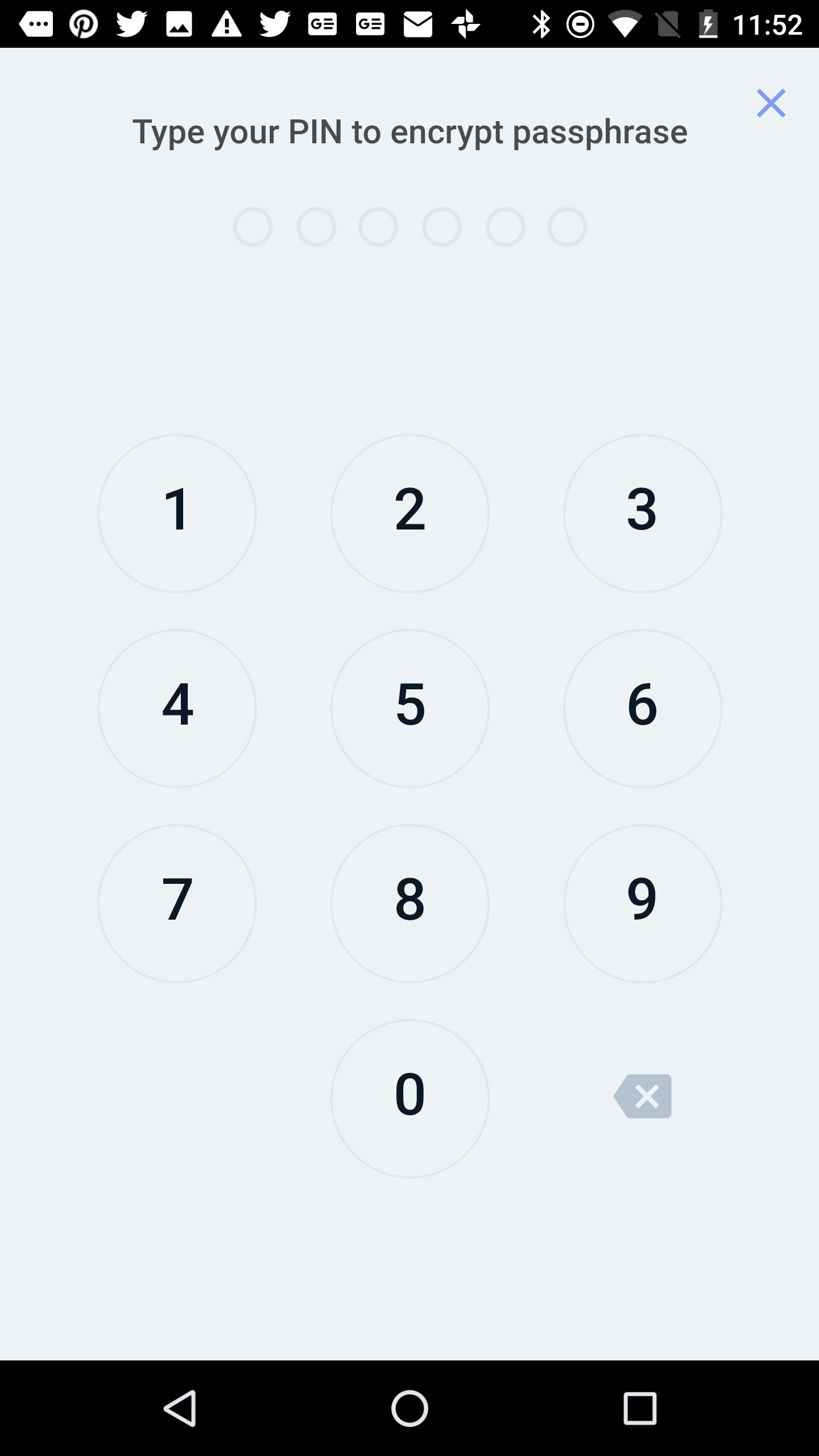
While Ethos uses motion data from shaking the phone, the Ark wallet lets the user randomly draw curves on the screen to create unique, random data to generate the new seed. While Ark uses much fewer screens, the big, red message about storing the 'secret passphrase' is pretty clear.
Bread
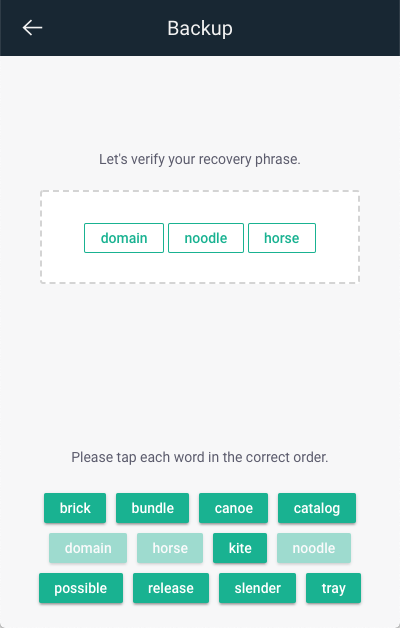
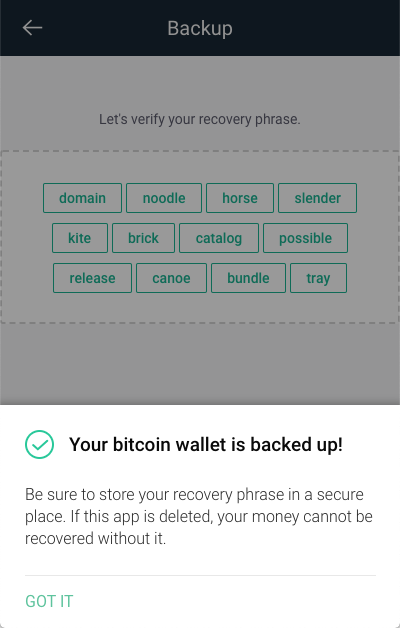
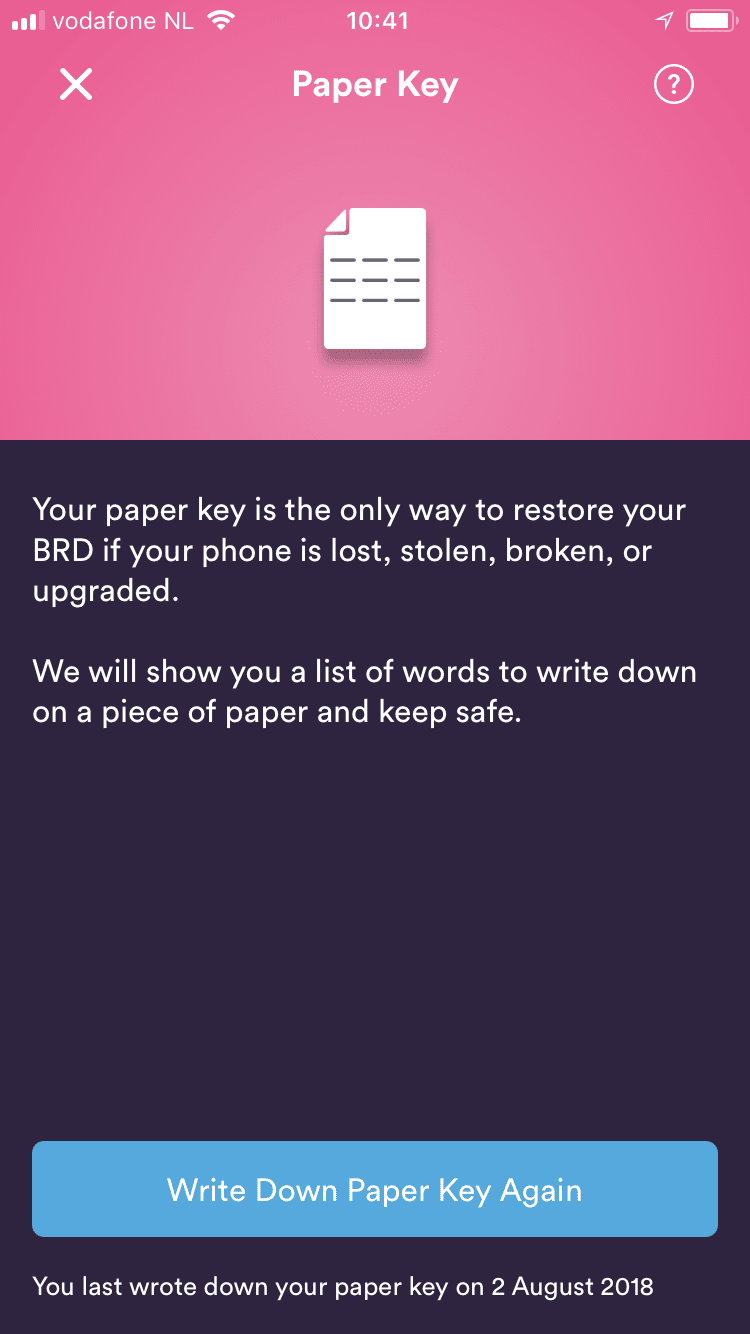
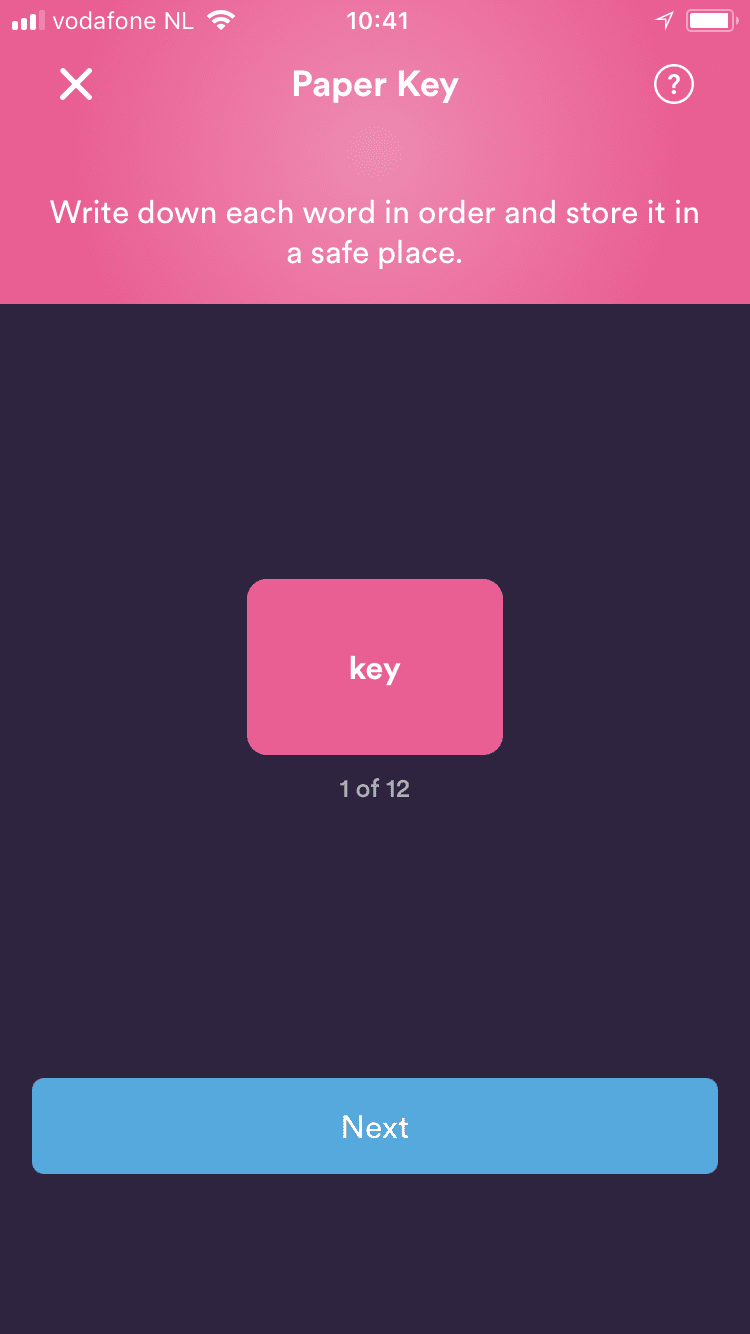
The bread goes also has a thorough process for ensuring that users correctly write down their seed phrase (they call it 'paper key'). There's one word per screen, and users have to click through all 12 of them before they can continue.
IOTA Trinity
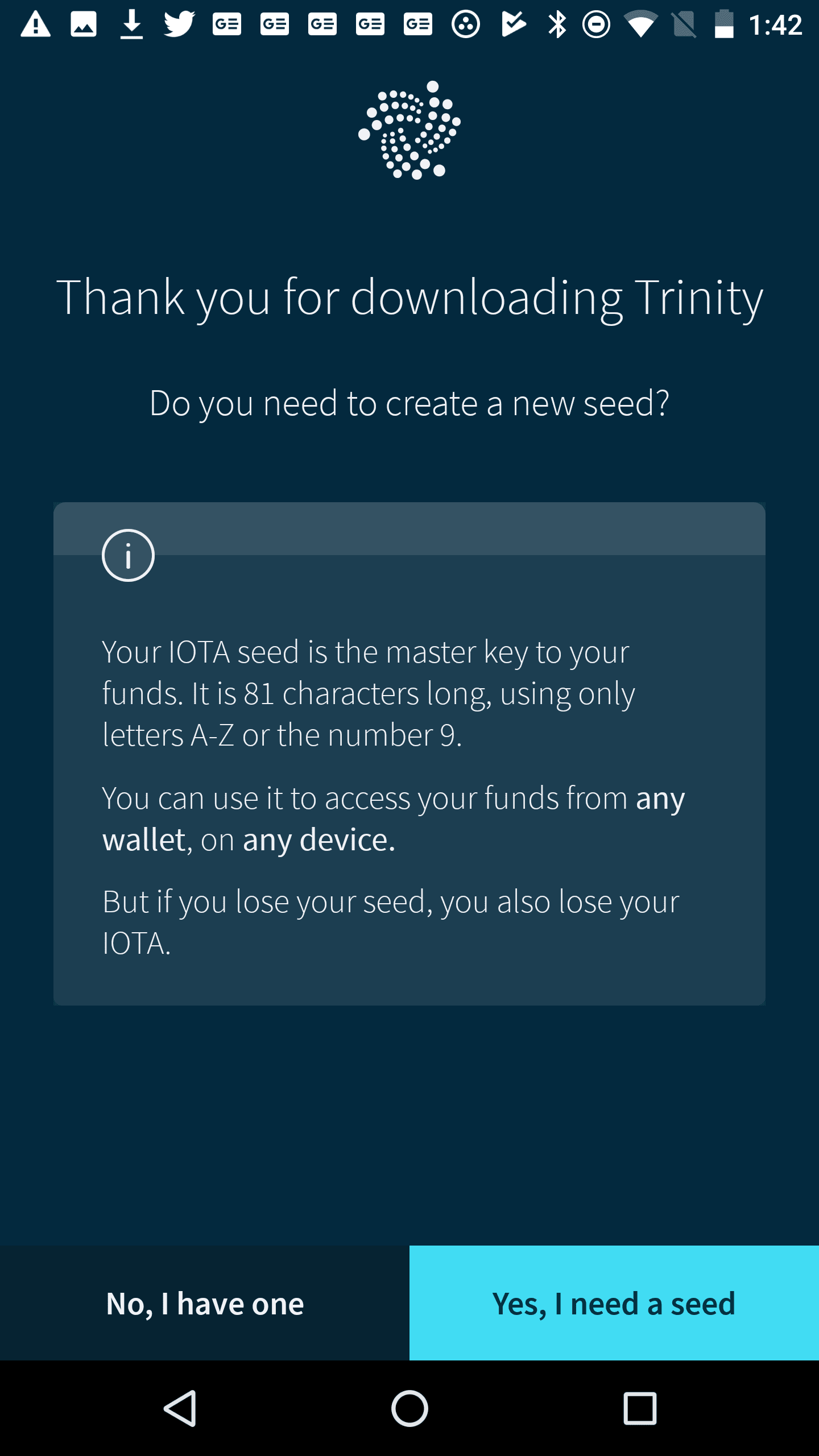
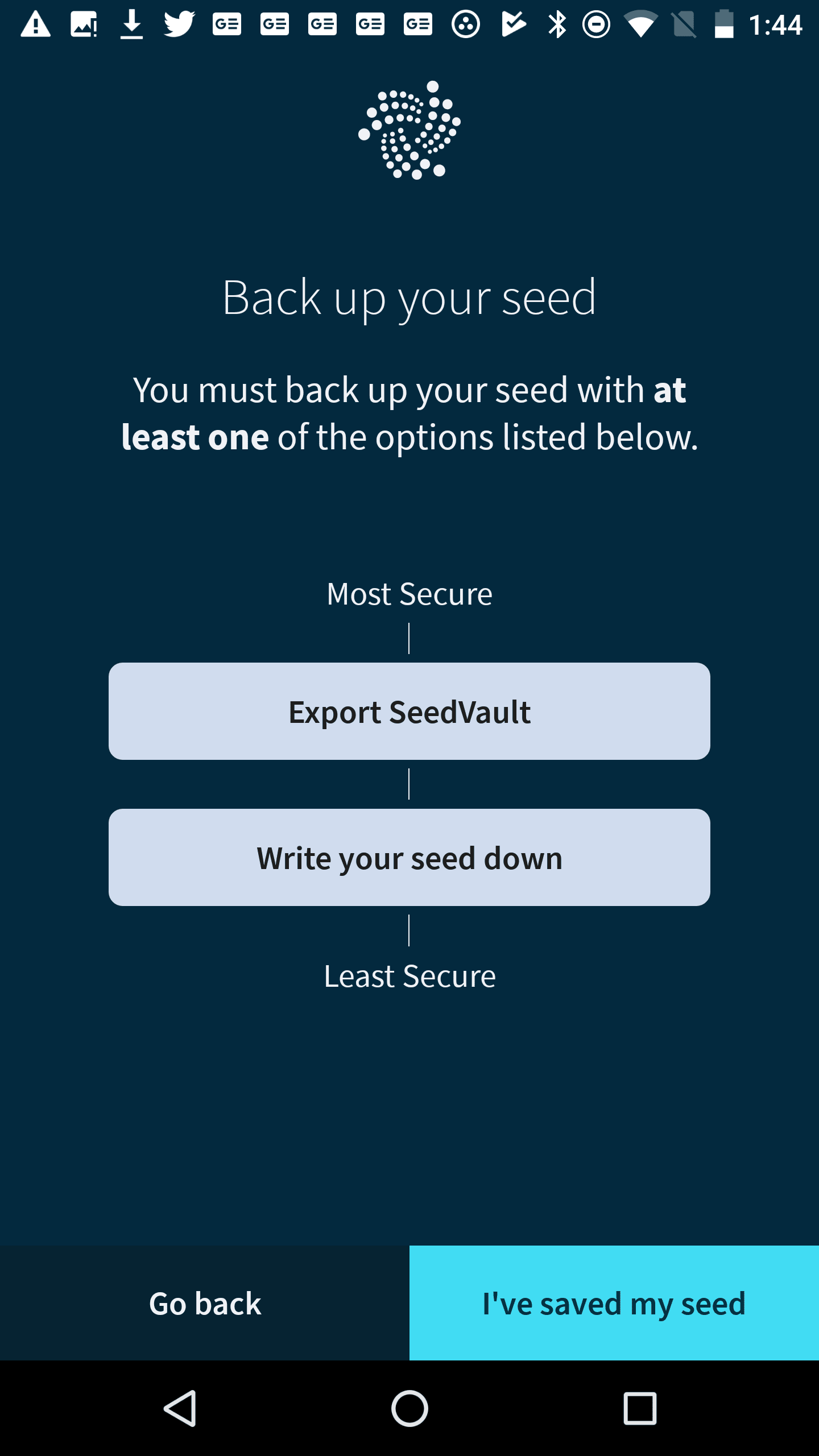
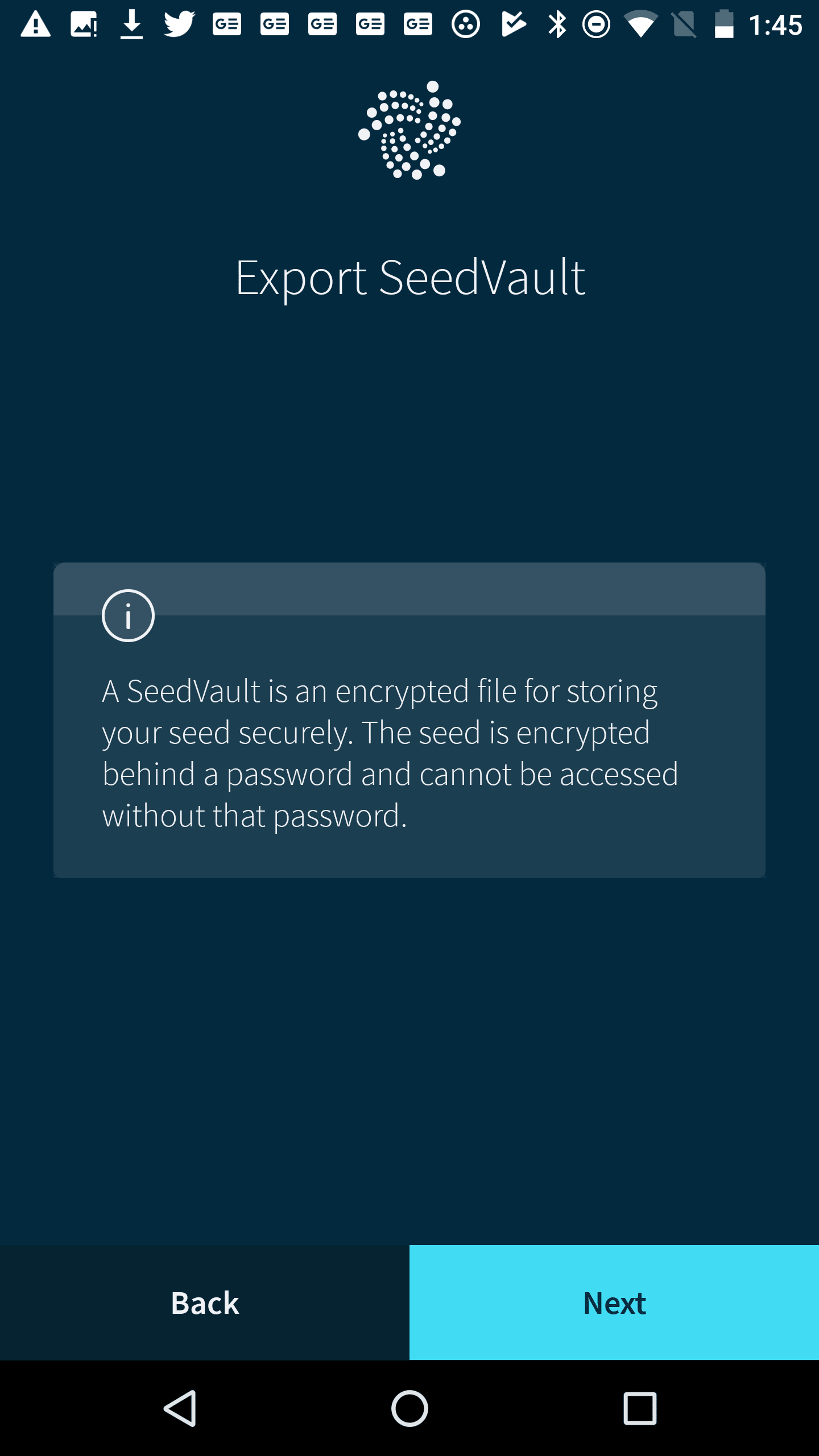
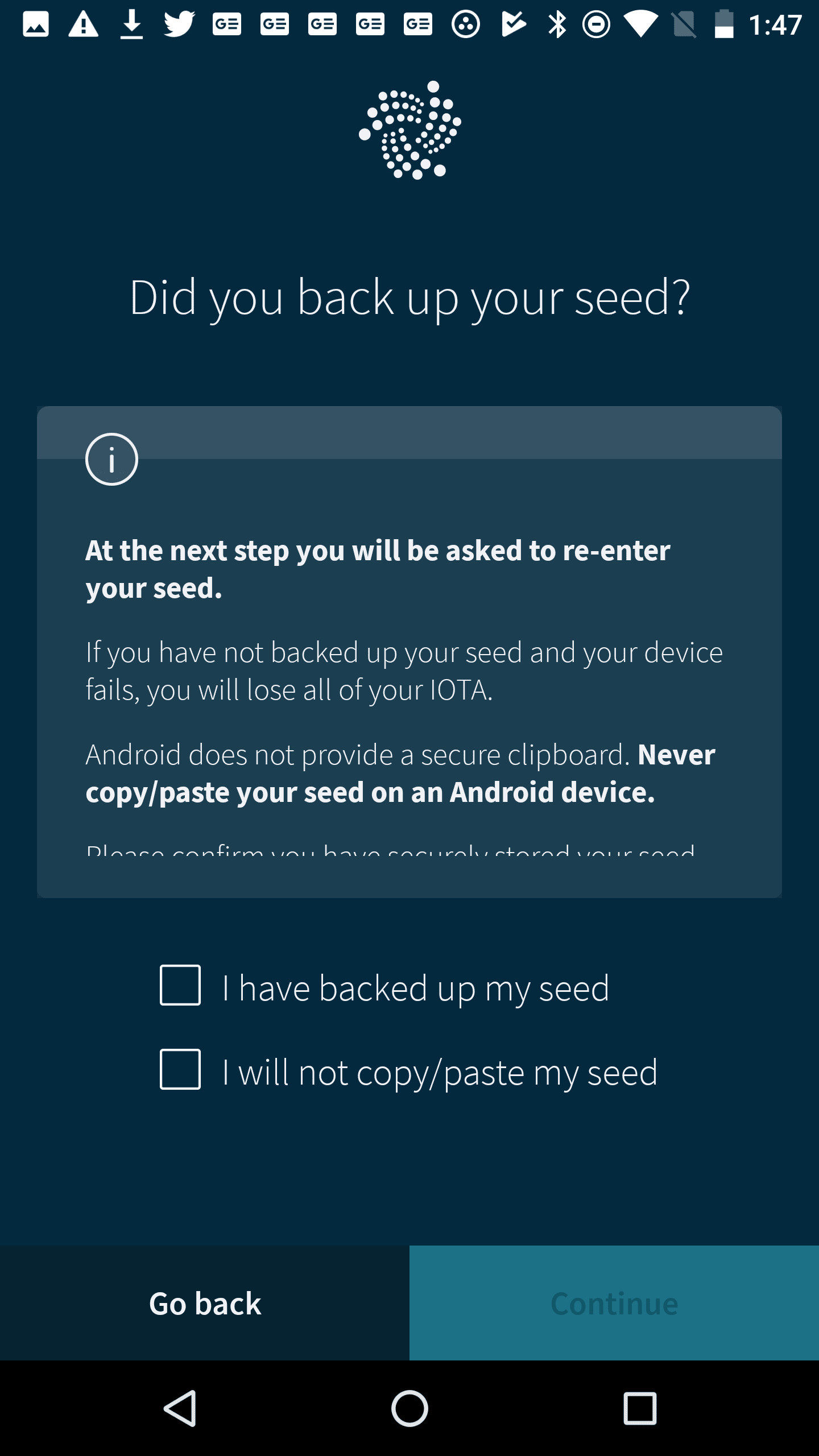
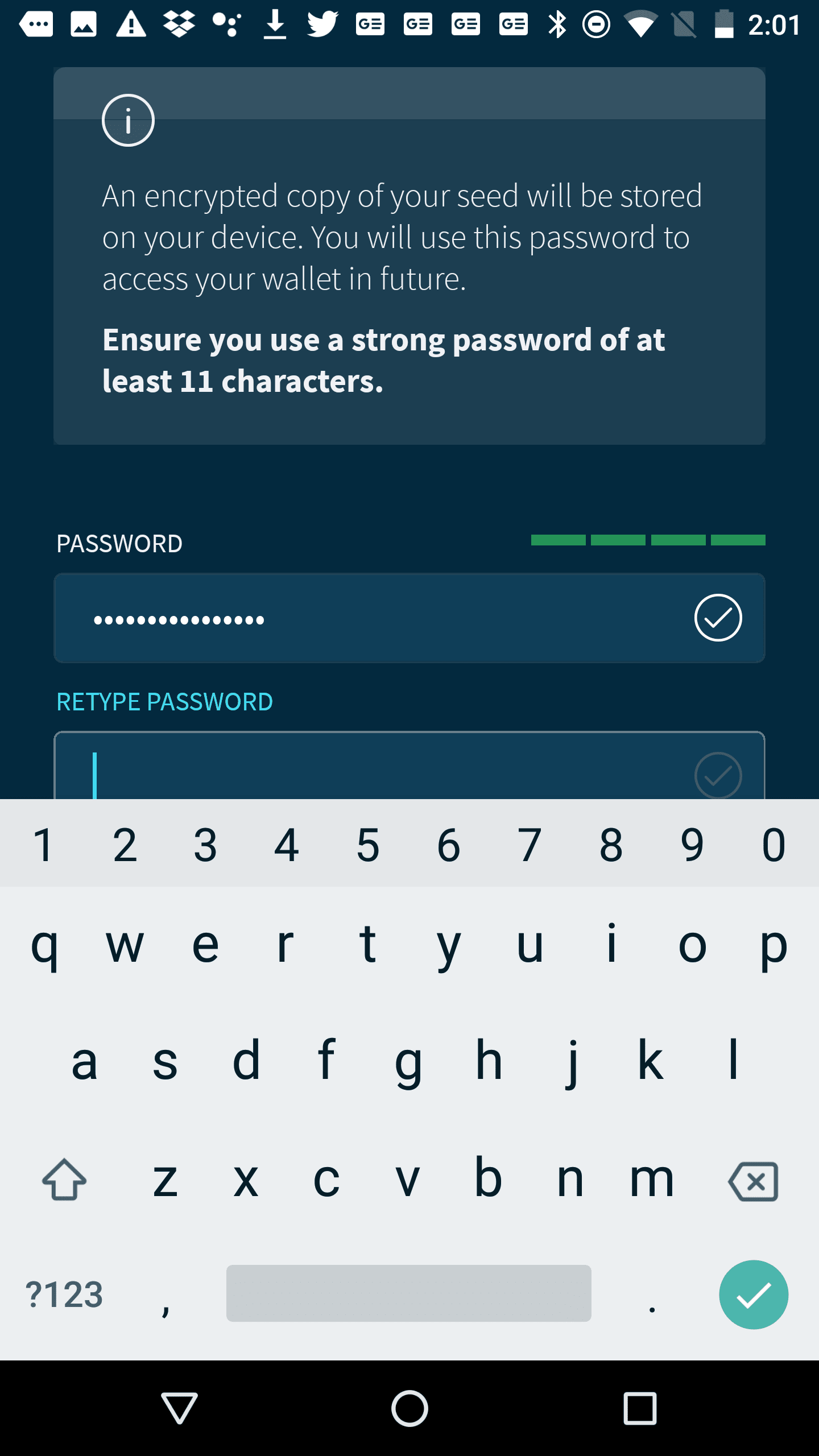
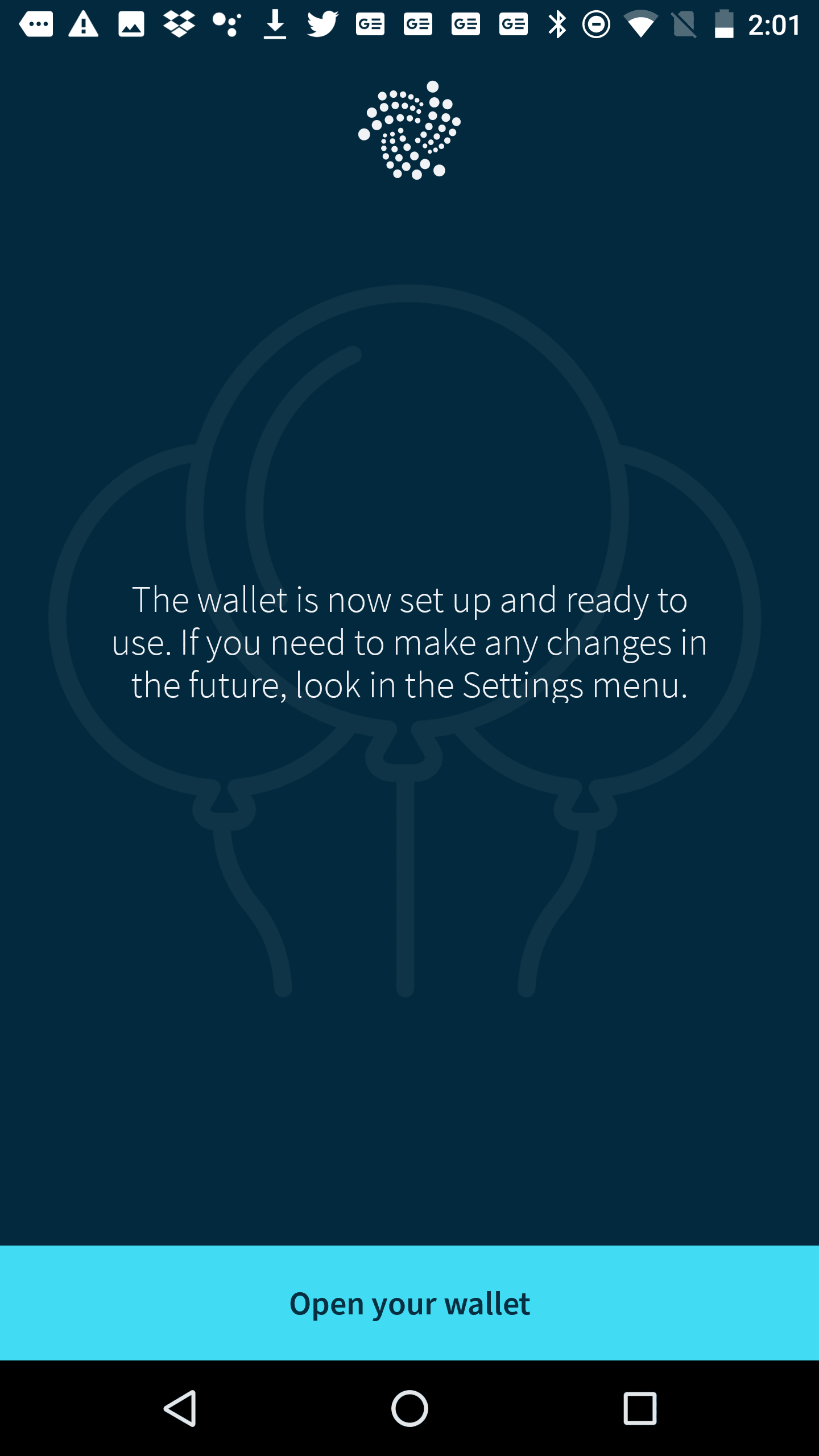
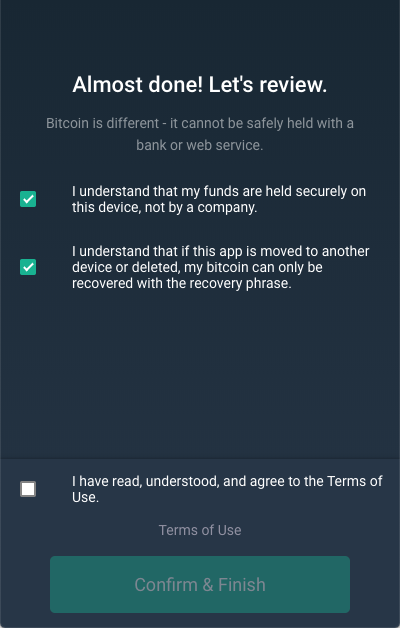
These are some screens from the wallet creation flow in the IOTA Trinity wallet to show to what lengths wallets go to guide users through proper security measures. Note that the screens showing the actual seed are not included here.